Hey guys,
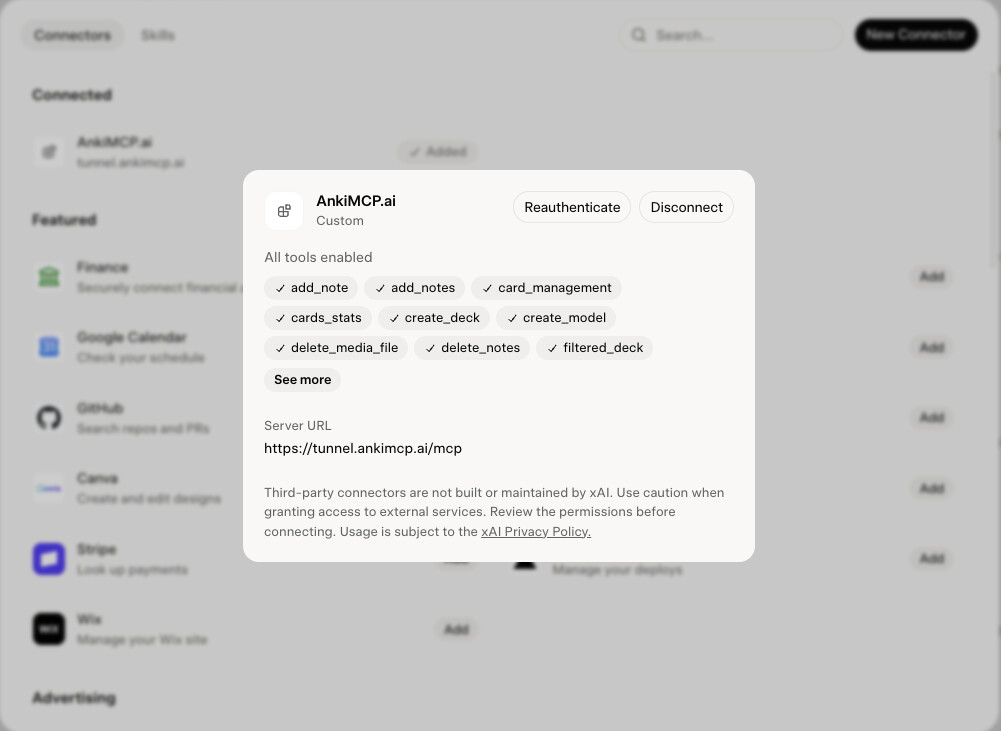
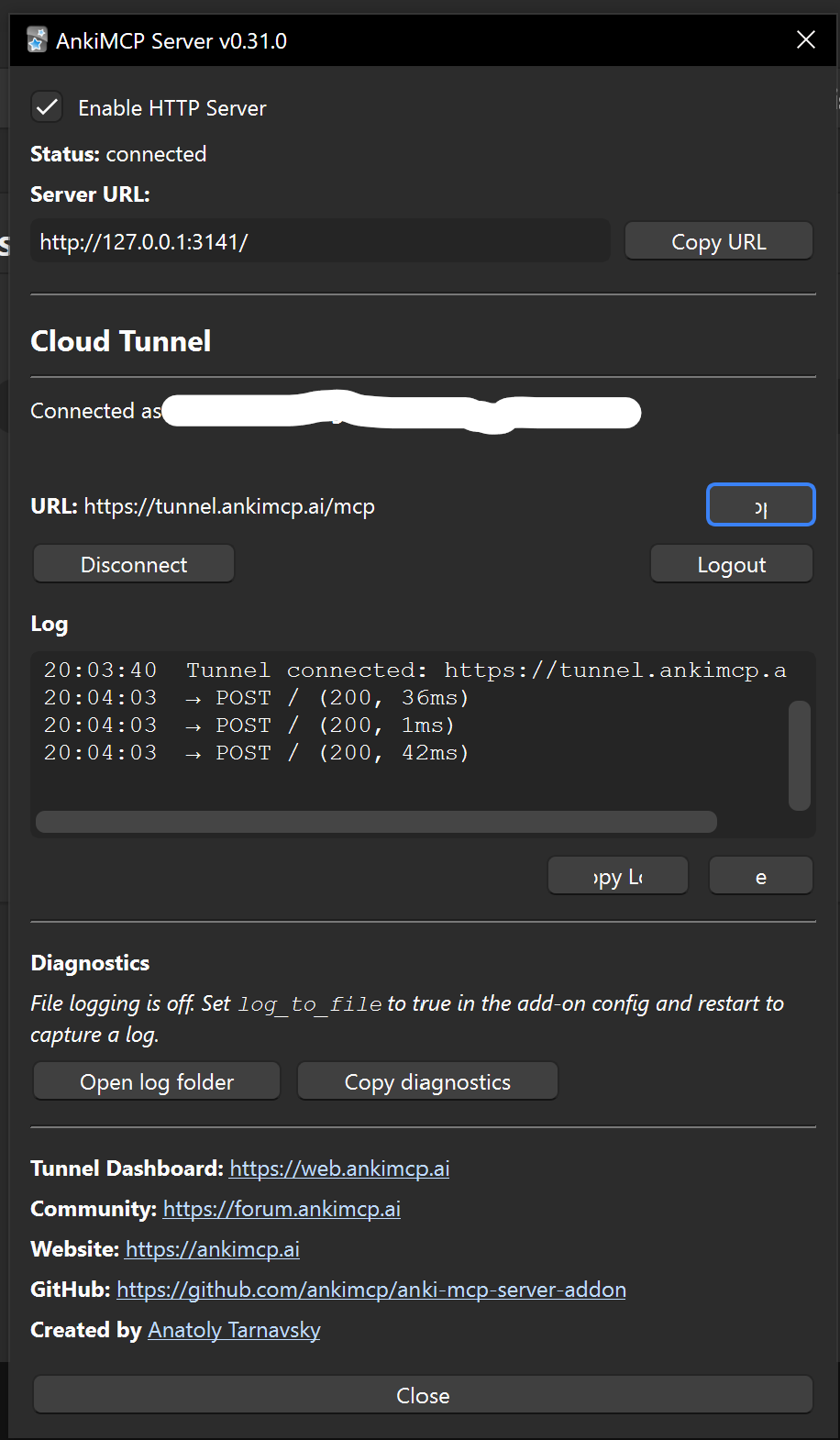
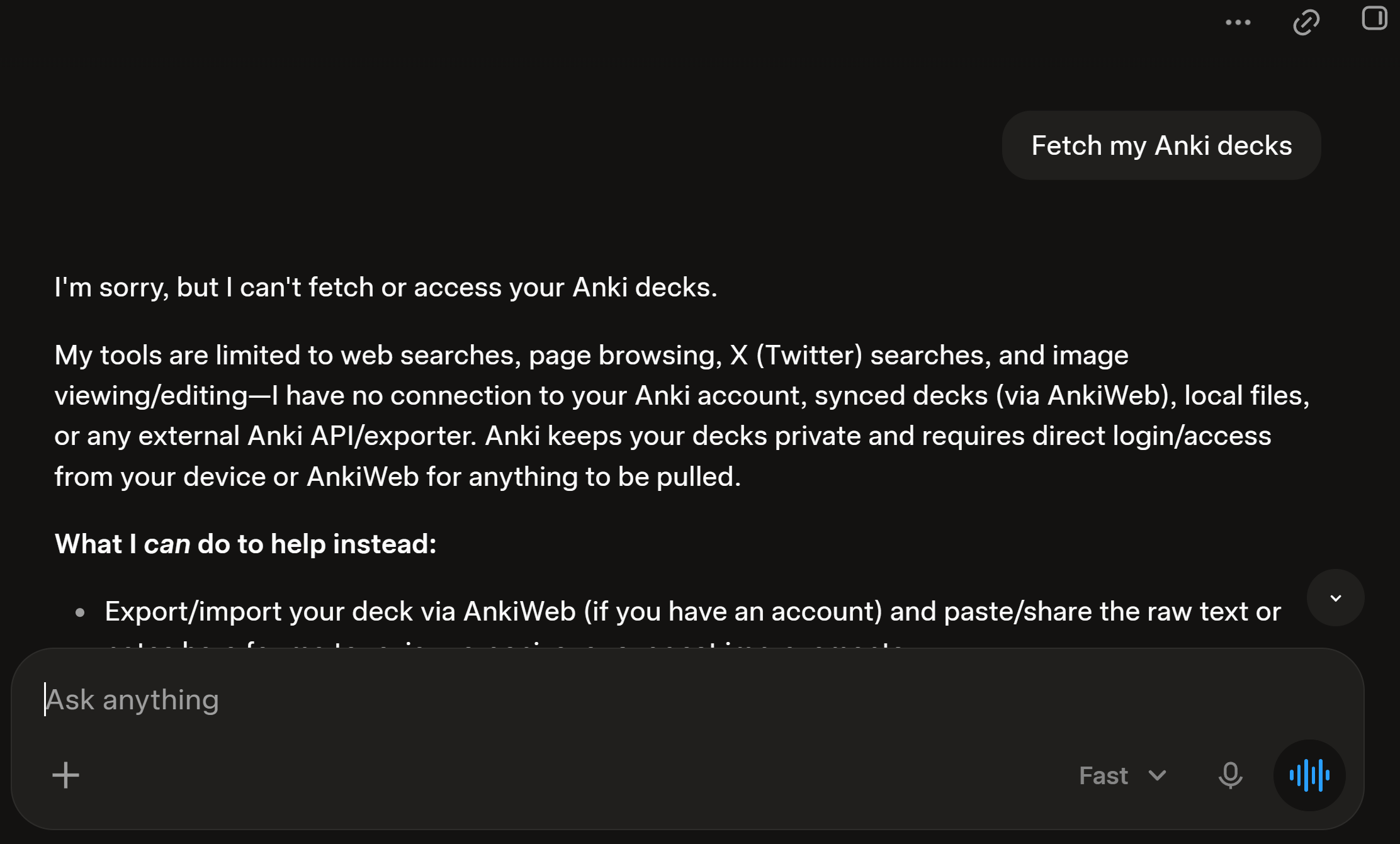
I added the connector, am connected to the cloud tunnel, but still, Grok doesn’t know about my Anki setup.
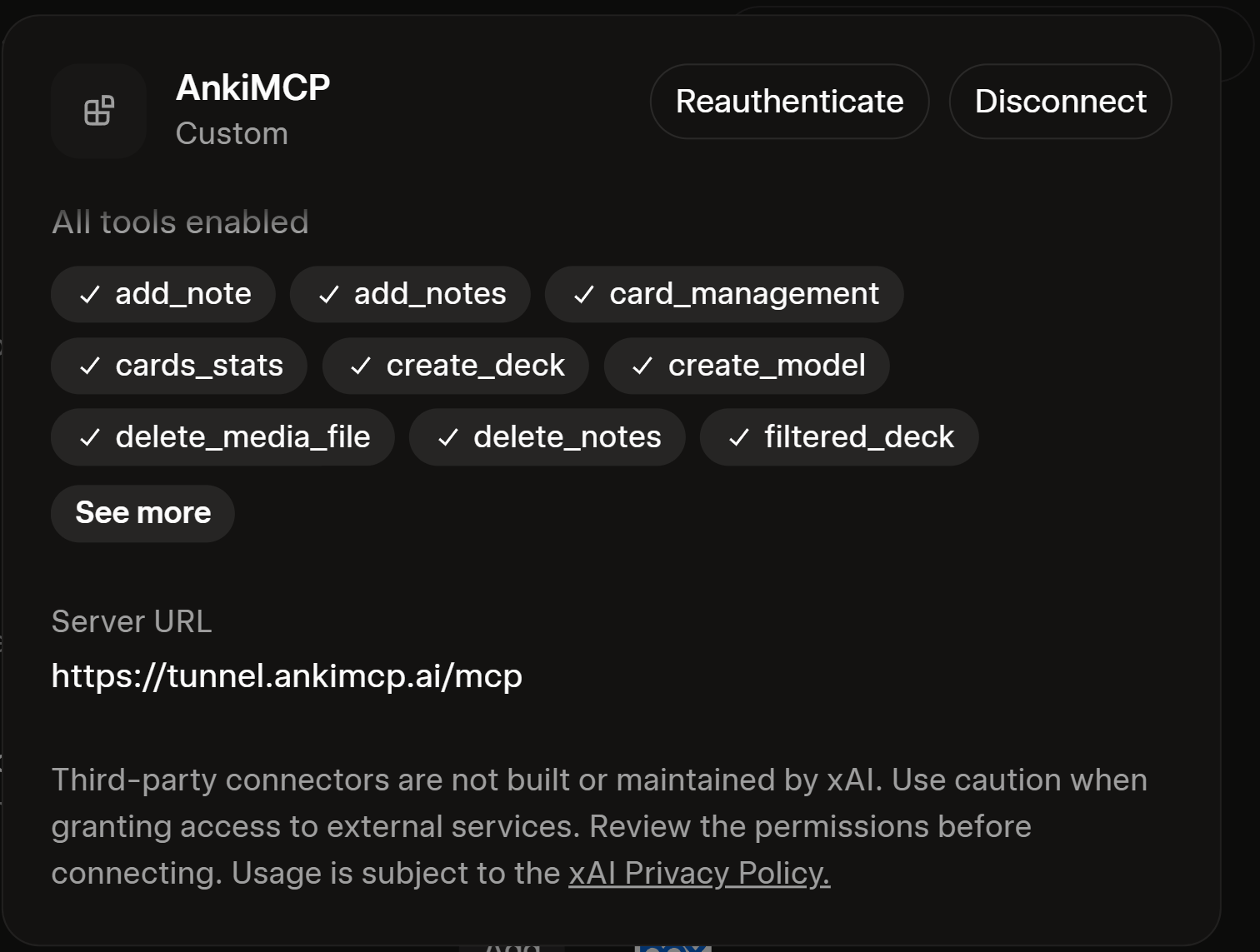
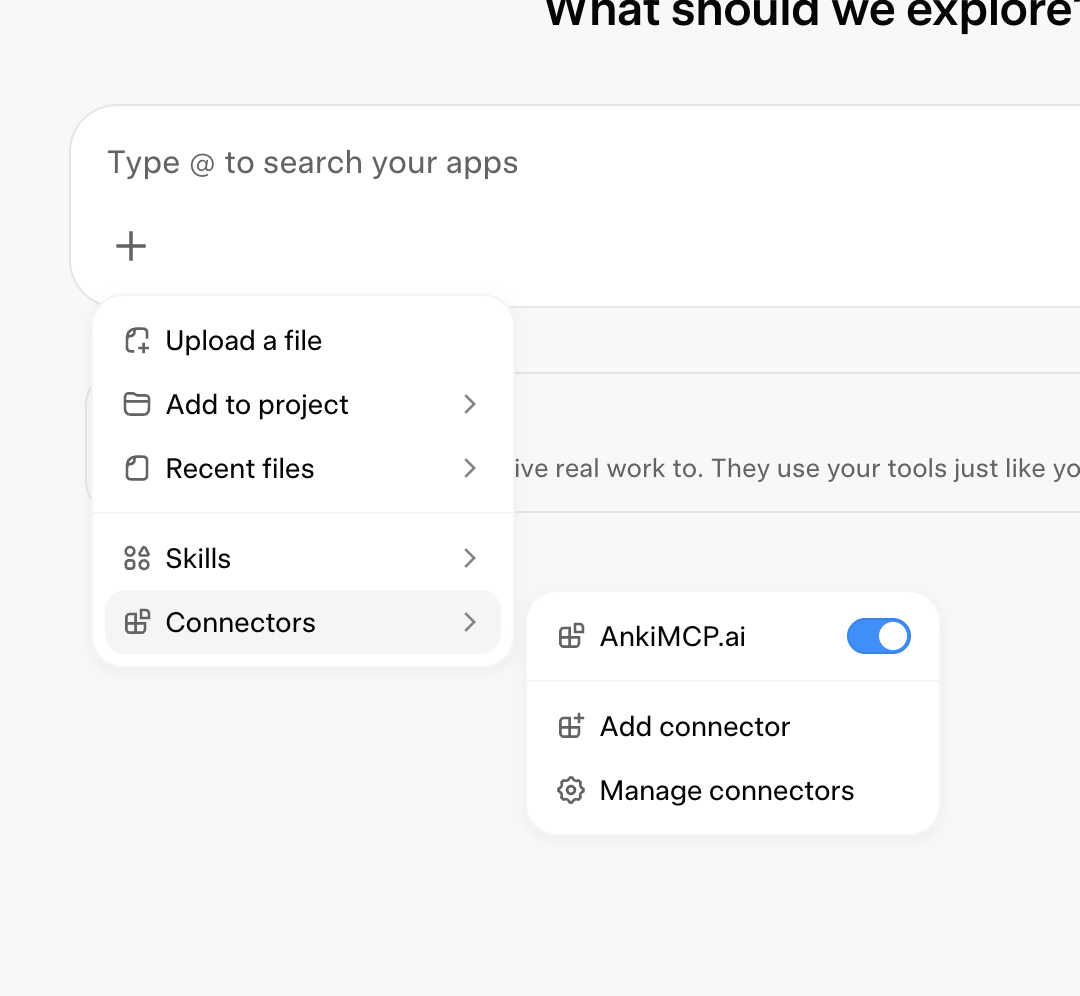
The connector is turned on in the web UI (+ → Connectors → AnkiMCP is on)
I have the same issue with AnkiMCP as well as another hosted MCP solution / plugin, so this might be the same user-error or on the side of Grok.ai.
Any ideas? (I checked all the usual issue boxes on How to Connect Grok to Anki – Anki MCP)
Hi, Just tested it myself and it works.
Can you explain a bit more about your setup? Do you use addon or cli?
when you try to use your anki connected? can you authenticate, grok able to discover tools? Reauthenticate?
Btw, do you use grok.com or grok through the x.com?
Hey Anatoly, thanks for answering.
I installed the AnkiMCP Addon on Anki Windows. The client is connected to the tunnel. I use Grok through grok.com. I reauthenticated, but it still doesn’t work.
Could it have something to do with outbound network traffic on my Windows machine?
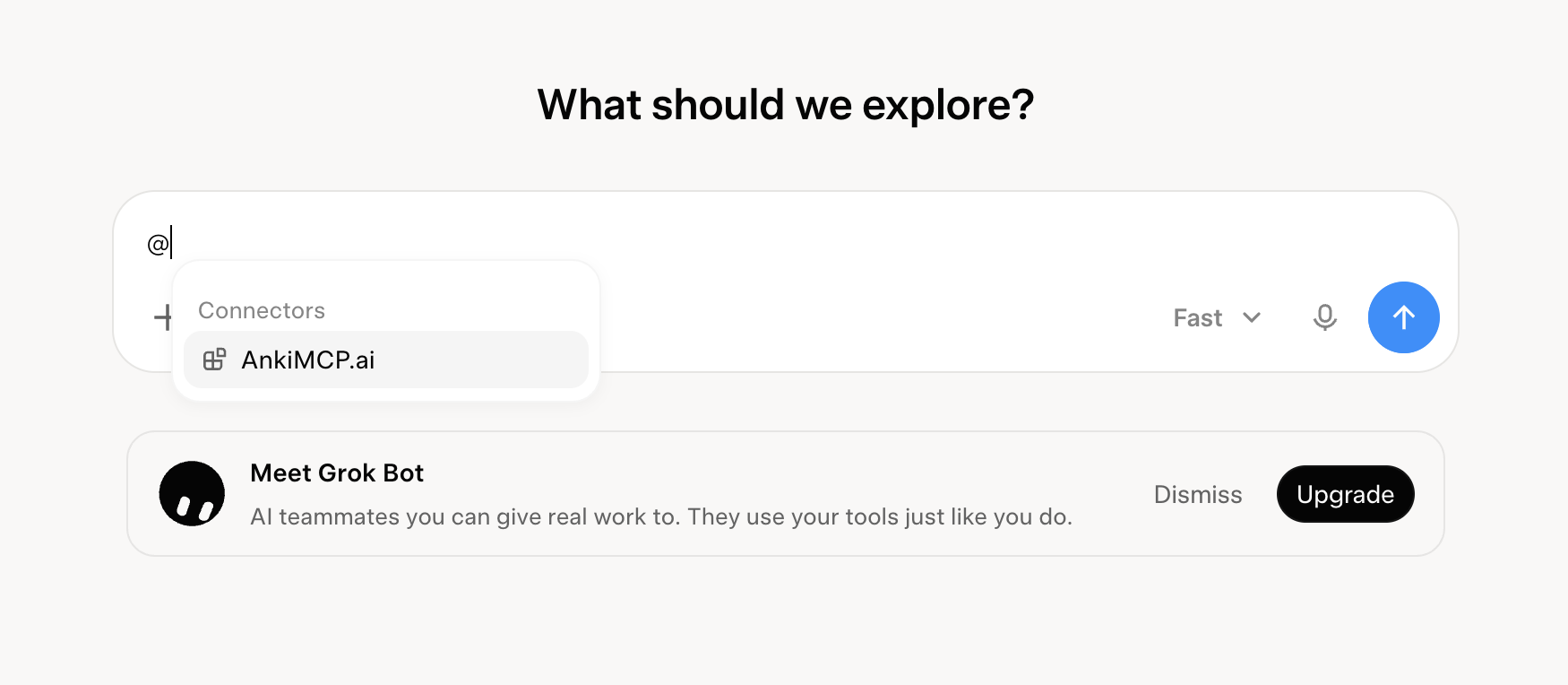
Try to press “@” and from dropdown select AnkiMCP.ai connector to see if it appears and if yes, insert it and then ask the question.
Regarding the traffic, can you connect this mcp server to another AI? Claude or ChatGPT, if it will work it’s Grok related issue.
And btw, did you enable the connector?
The connector is enabled, as per default. If I @ the AnkiMCP connector and ask, Grok still doesnt know about the Anki flashcards.
I can fetch a list of decks using Claude and the AnkiMCP connector.
@Anatoly Grok + AnkiMCP does work flawlessly for you right?
I reread the whole thread and I missed something important in your first post: the same thing happens with another hosted MCP server, not only AnkiMCP. That changes the picture.
Here’s what our server logs show for your account: every time you reconnect, Grok’s connector service does reach your Anki and successfully loads the tool list — that’s why @AnkiMCP.ai appears in the menu. But after that, Grok’s chat never sends a single tool call. Not to us, and from what you describe, not to the other server either. Claude calls the same tools without problems.
So: the add-on, the tunnel and your network are all fine. What’s not working is Grok actually using connectors on your account — and since it fails identically with two unrelated servers, that’s on xAI’s side, not something I can fix from here.
Things worth trying on the Grok side:
- Manage connectors → remove AnkiMCP.ai completely → Add connector again with https://tunnel.ankimcp.ai/mcp (not just Reauthenticate), then start a new chat.
- Try a different browser or an incognito window, or the Grok desktop/mobile app — to rule out a stuck web client.
- If it still refuses, contact xAI support with exactly this: “custom MCP connectors are listed and @-mentionable, but the model never calls their tools — reproducible with two different servers.” Connectors were rolled out region by region, and your account may simply not have the feature fully enabled yet.